

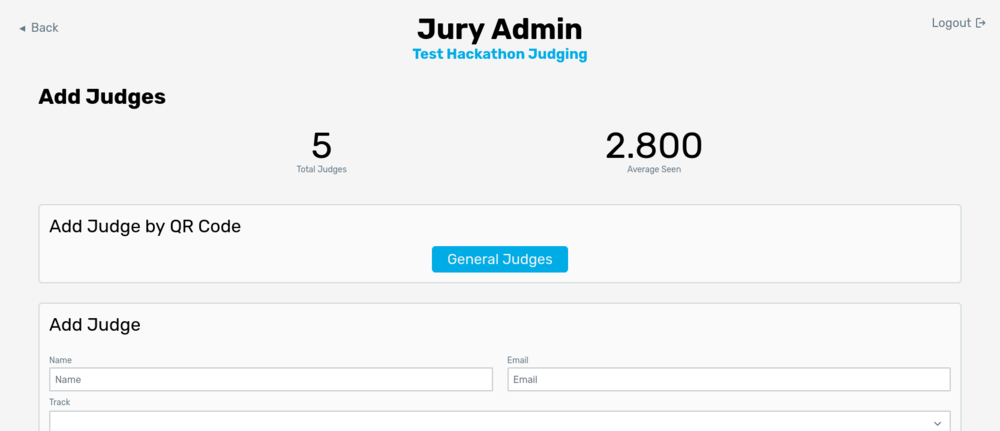
QR code
The easiest way to add judges to Jury is using the QR code. This method works best with a dedicated judging orientation during your hackathon. During a judging orientation, judges will gather in a room and organizers will explain how judging will work (explain the expo-style, criteria for judging projects, and answer any questions they have). With Jury, you should also add judges to the system at this time. With all the judges in one room, the easiest way to add them is by showing a QR code on the screen. Once judges scan this QR code, they can add themselves to the system (by entering their name and email).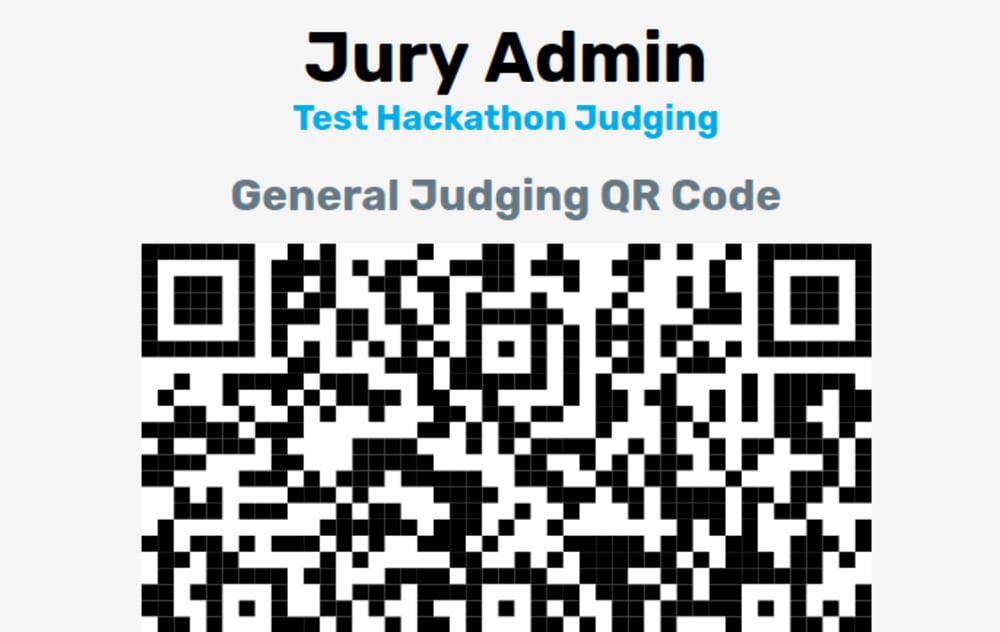
Watch out!Keep in mind that the QR code will let anyone add themselves to Jury, so make sure stray hackers don’t get the QR code! If your QR code gets leaked, you can use the Generate new code button on the QR code page to change the QR code. Note that anyone who has scanned the code but has yet to add themselves to the system will have to scan the new code.
Track QR code
Track judges can also be added by their own QR code. When track judging is enabled, a dropdown will show up with each track that is listed. Select the track you would like to add judges to and click the [Track name] Track Judges button.
Add judge form
The add judge form is the same as the add projects form (except simpler). Enter the judge’s name and email (and optionally a note about the judge) then click Add. It will send an email to the judge to add them to the system. If you do not wish to send an email, make sure “Do not send an email” is checked. Judges can log in without an email by going to Jury, opening the judge login page, and entering their code (see the admin dashboard for their code once added).CSV upload
You can upload a CSV of all judges in the same way as adding projects by CSV. The fields are as follows:- Name
- Track (optional)
- Notes (optional)